AI TARIFF MANAGEMENT FOR THE AFTERMARKET
When a new tariff drops, your catalog updates itself.
MobyTrade’s AI flags the affected SKUs and the dollar impact the moment rates change, re-costs your catalog, and keeps your quotes honest. Model the what-ifs before you commit.
We’re both here at MEMA Tech. Text me and let’s grab 20 minutes on the floor.
Text or call (314) 324-3493 · jeb@mobytrade.com
● ● ● Tariff monitor · catalog #IND-44
Auto-updated
New Section 301 action published · applied across your catalog
AFFECTED SKUS
ANNUALIZED IMPACT
RE-COSTED
HTS LINE
+5.2%
+3.5%
✓
+4.9%
A NAME YOU KNOW
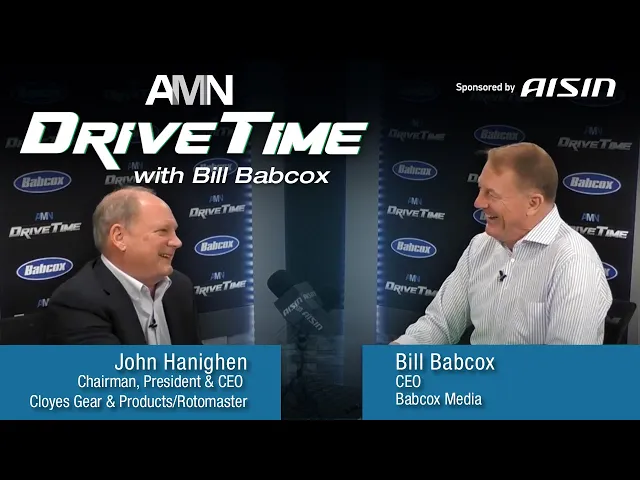
“This tool is phenomenal”
JH
John Hanighen
Chairman, President & CEO, Cloyes Gear & Products/Rotomaster
On the "Tariff monitor" card, without changing fonts, colors, layout, or the summary row:
- The four itemized rows currently list values like "8483.40.50" — these are HTS codes, not SKUs.
- Add a small column header above the left of these four rows that reads "HTS LINE" in the same mono label style as "AFFECTED SKUS".
- Leave the "AFFECTED SKUS · 340" summary stat unchanged.
- Do not change the numbers themselves.
WHAT THE AI DOES
Tariff management, automated.
01
Automatic catalog updates
A new tariff publishes and your SKUs re-cost themselves. Affected parts and dollar impact, flagged the same day.
02
Scenario modeling
Ask what happens if. Shift origin, swap a supplier, test a rate, and see the margin before you commit.
03
Landed cost analysis
True landed cost by SKU, current with every rate change, not last quarter’s numbers.
04
Quote-sheet landed cost
Quote straight from real landed cost, so the number you send is the number that holds.
SEE YOU AT THE CONFERENCE
Book a time, text, or email. Bring a few SKUs and we’ll show you the live impact. Works after the show too.
Auto catalog updates, scenario modeling, landed cost, and quote sheets in one place